

@praxicraft/n8n-nodes-assess
Prerequisites
- An n8n Cloud or self-hosted instance
- An Assess API key (Starter+) from Developer → API Keys; see Authentication
Setup guide
1. Create a workflow
Open n8n and create a new workflow. Click Add first step… on the canvas.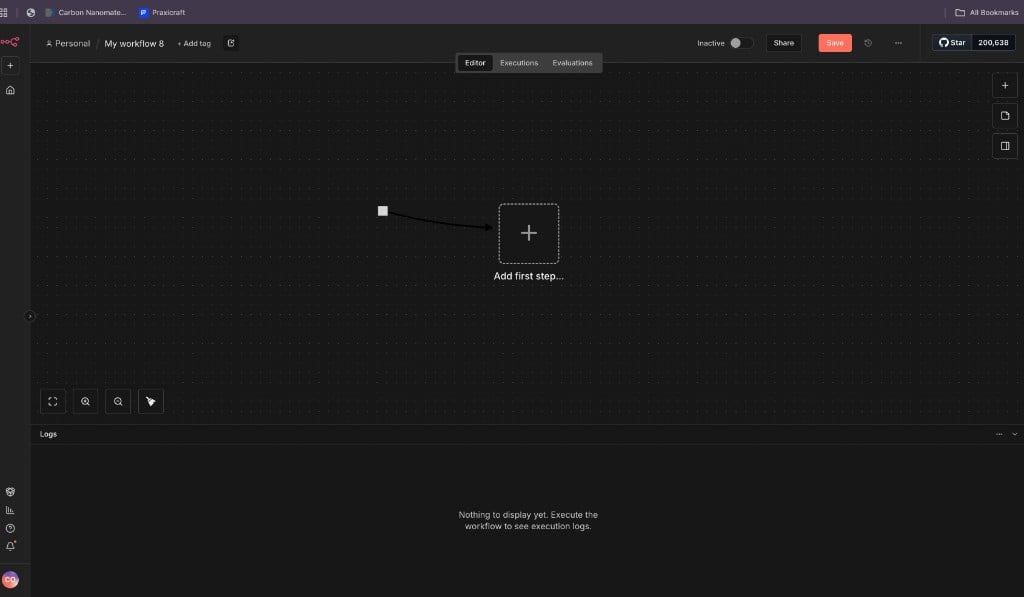
New n8n workflow. add the first step
2. Open the trigger picker
n8n opens What triggers this workflow? Choose On app event (or search for the node directly).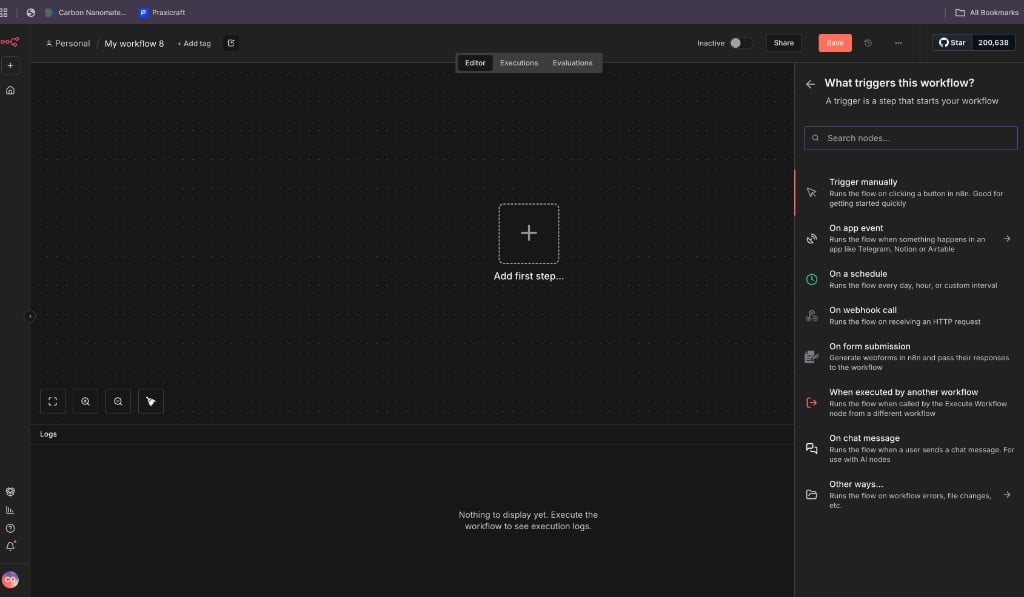
Trigger picker in n8n
3. Search for Praxicraft Assess
Typeprax (or Praxicraft) in the search box. Select Praxicraft Assess. The verified checkmark means it is the official Assess node.
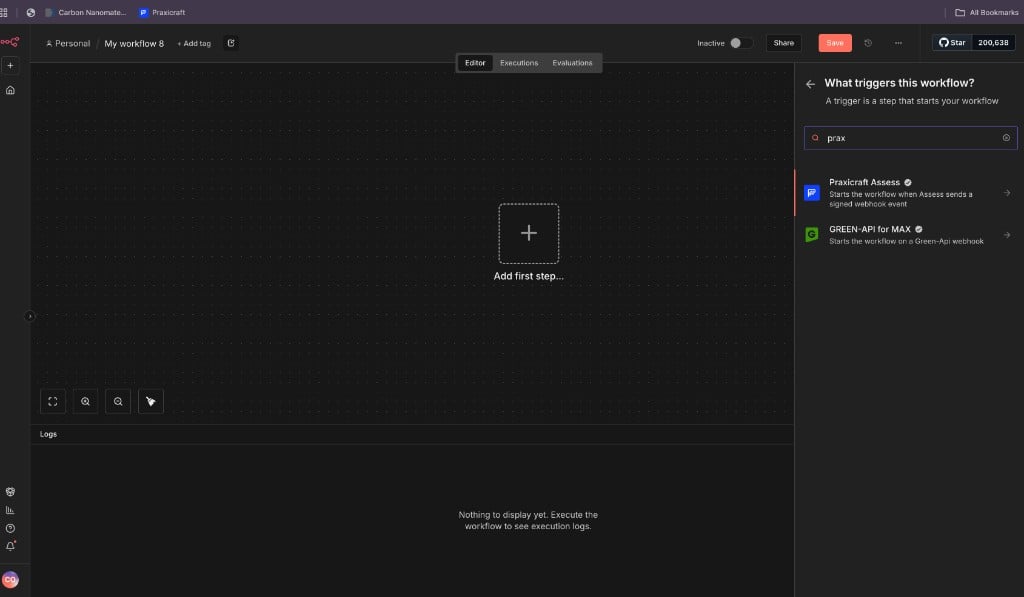
Search results showing verified Praxicraft Assess
4. Confirm the verified node
Open the node details. You should see Verified, Installed (or Install), and the list of Assess triggers and actions.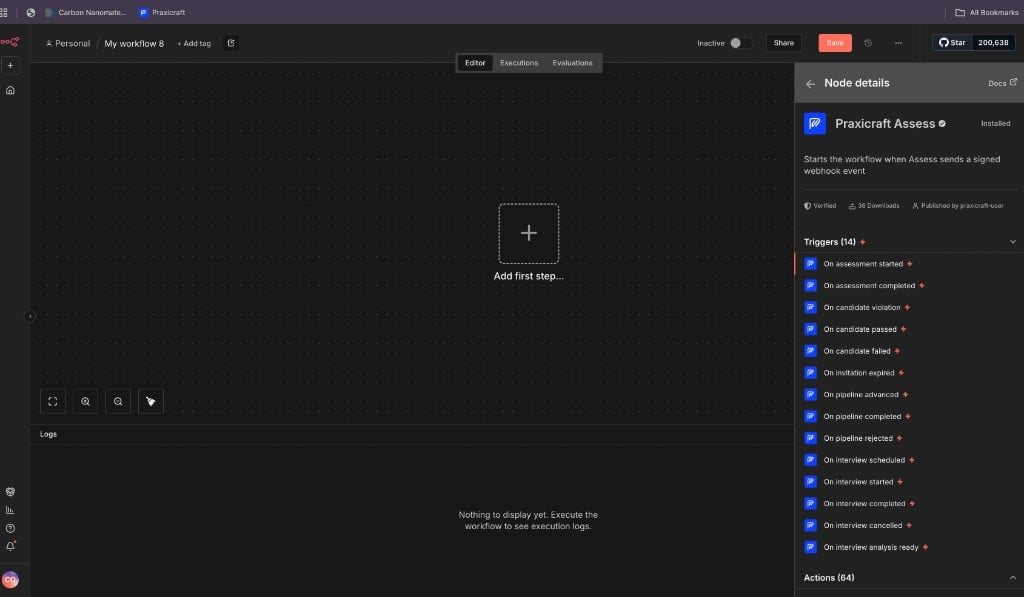
Praxicraft Assess. verified node with triggers and actions
If the node is not installed yet, use Install from this panel (n8n Cloud) or install
@praxicraft/n8n-nodes-assess on self-hosted n8n, then restart.5. Add credentials
- Create an API key in Assess (Developer → API Keys).
- On any Praxicraft Assess node, open Credential to connect with → Create new credential (or pick an existing one).
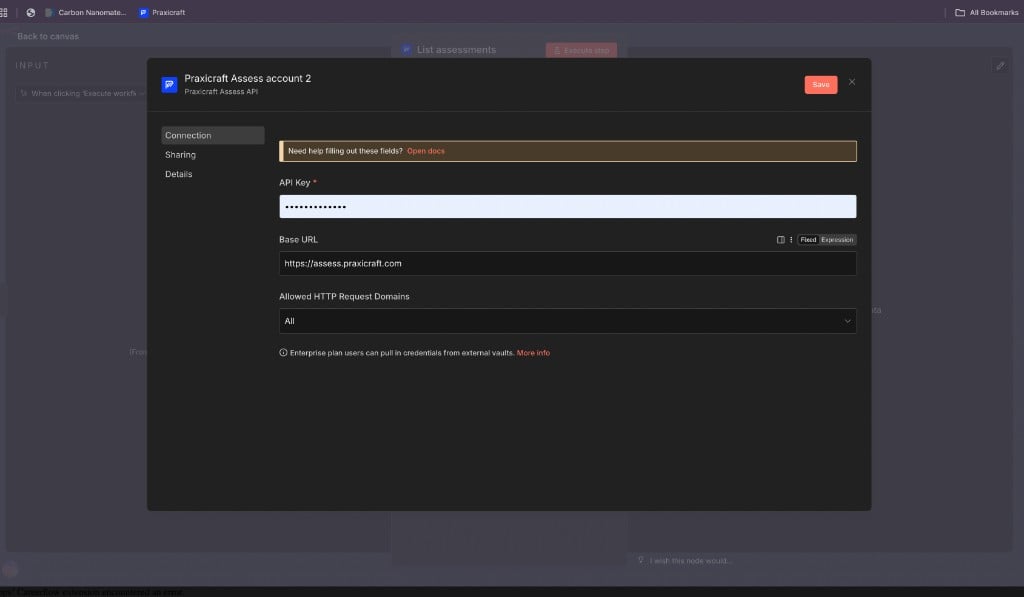
Select or create a Praxicraft Assess credential
- Paste your API key. Live keys start with
ct_live_; test keys start withct_test_. Leave Base URL ashttps://assess.praxicraft.comunless you use a custom host. - Save. n8n tests the credential with
GET /org/(needsorganisation:reador a full-access key).
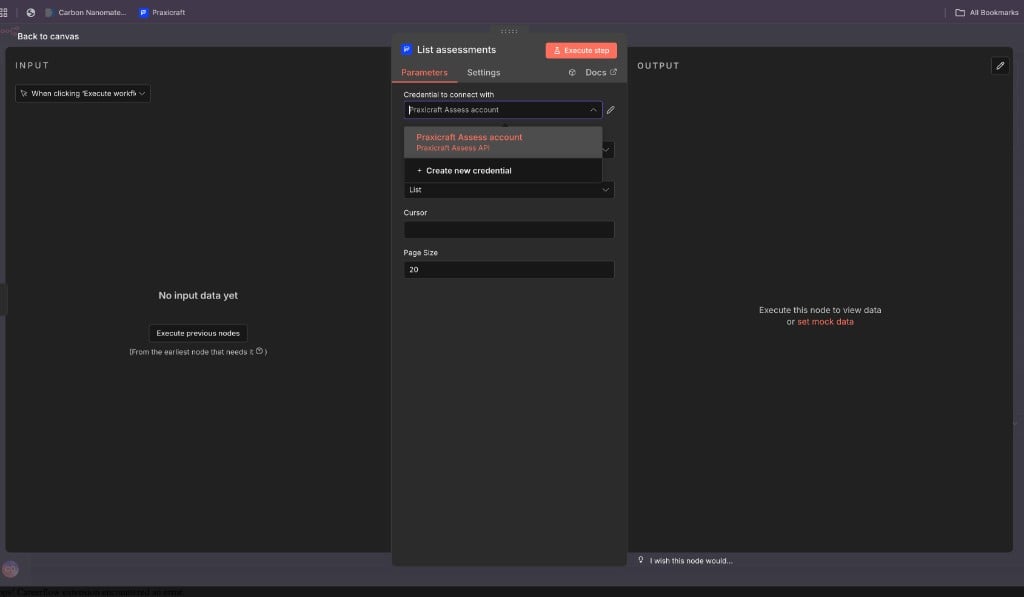
Praxicraft Assess API credential. API Key and Base URL
6. Build and run
Trigger path: pick an event (for exampleOn candidate passed) → connect Slack, email, or your ATS.
Action path: start from a manual trigger or ATS webhook → add Praxicraft Assess → choose an action such as List assessments.
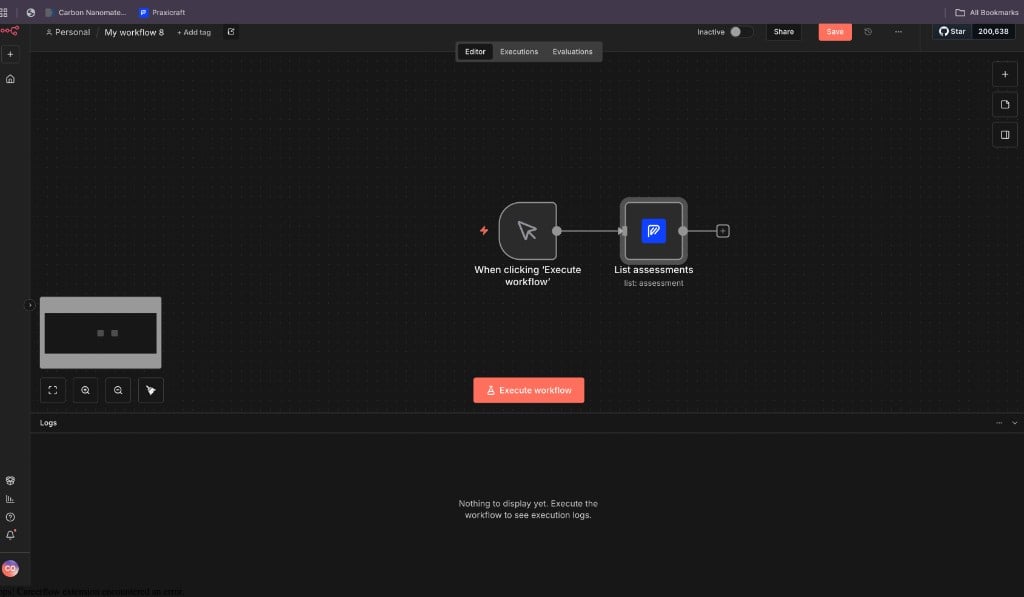
Example: List assessments action on the canvas
7. Activate
Turn the workflow Active. For Trigger nodes, n8n registers a webhook with Assess, runs a test ping, and verifiesX-Praxicraft-Signature for you.
If you are recruiting / ops
You need a technical teammate once for the API key and credentials. After that, edit workflows visually:For engineers
Trigger behaviour
On activate:POST /webhooks/create/ → POST /webhooks/{id}/test/ → stores whsec_… → verifies X-Praxicraft-Signature. On deactivate, the webhook is deleted. webhook.test is ignored by default so pings do not run the workflow.
High-value events: assessment.completed, candidate.passed / failed, pipeline.advanced / completed / rejected, interview.completed / analysis_ready.
Actions
Assessment, Case, Invitation, Pipeline (Reject / Hold / Unhold), Webhook (including Retry delivery viaPOST /webhooks/{id}/deliveries/{delivery_id}/retry/), Organisation, Interview, Integration. matching Public API capabilities. Destinations (HTTPS / Slack / Teams) use the Webhook resource.